Others: Dated, cluttered screens
Modern design
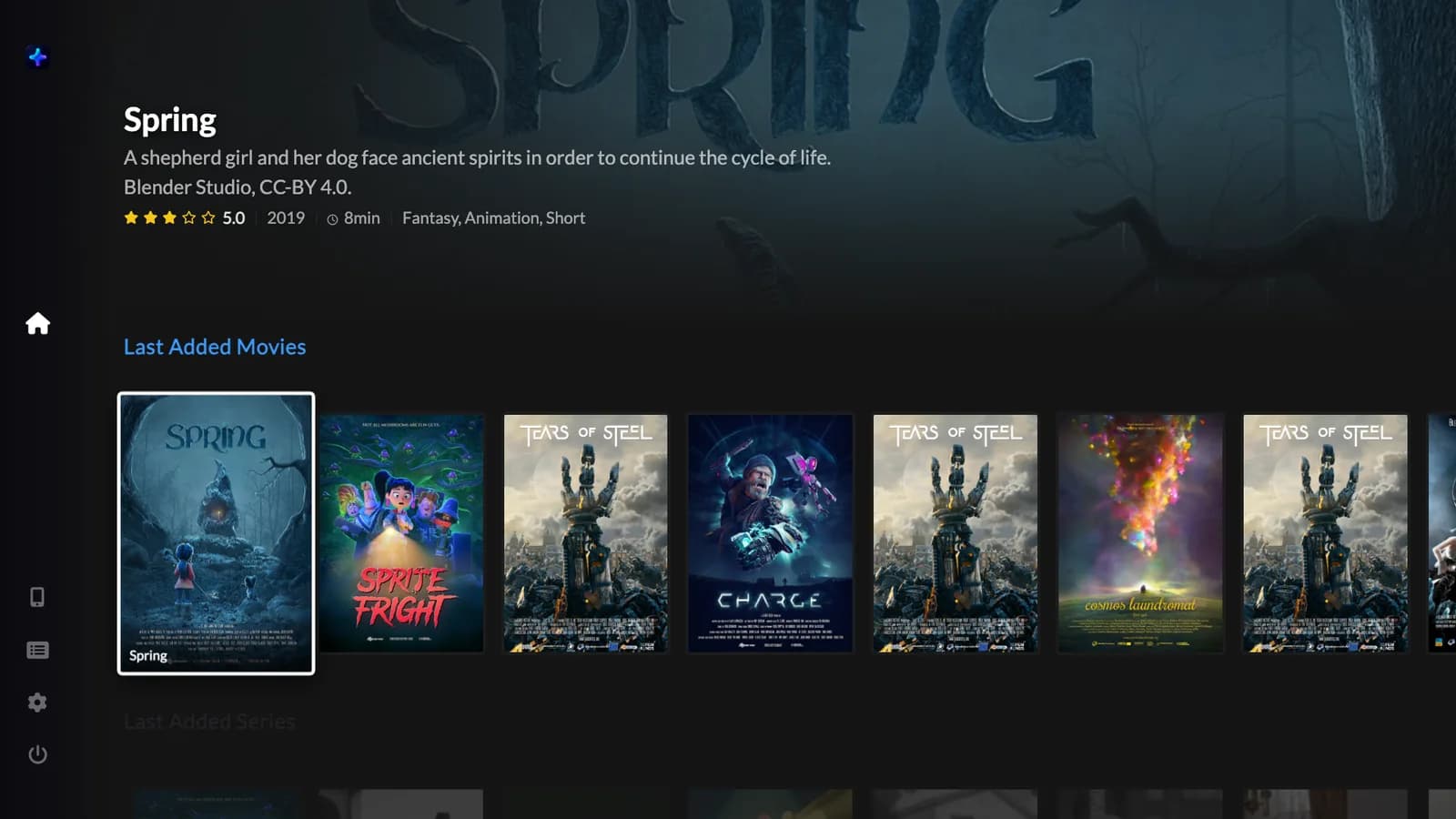
A clean, cinematic interface made for today's TVs. Posters, artwork and the right button at the right time.
Authorized Moova TV reseller
Moova TV is the modern IPTV player: fast, intuitive and free of ads. It turns the playlists you already have into a premium big-screen experience, with your phone as the remote.
Why Moova TV
Most IPTV players feel stuck in the past: cluttered menus, ads on top of your shows, endless loading. Moova TV fixes the things that make the others painful.
Others: Dated, cluttered screens
A clean, cinematic interface made for today's TVs. Posters, artwork and the right button at the right time.
Others: Settings mazes and confusing menus
Everything where you expect it. Find, play and resume without reading a manual.
Others: Pop-ups and banners over your shows
No ads, no banners, no interruptions. Nothing between you and what you watch.
Others: Slow startup and constant reloading
Opens straight to your home screen with a cached catalog, and switches streams without stopping the player.
Features
Every detail in its place, so the only thing you need to think about is what to watch next.
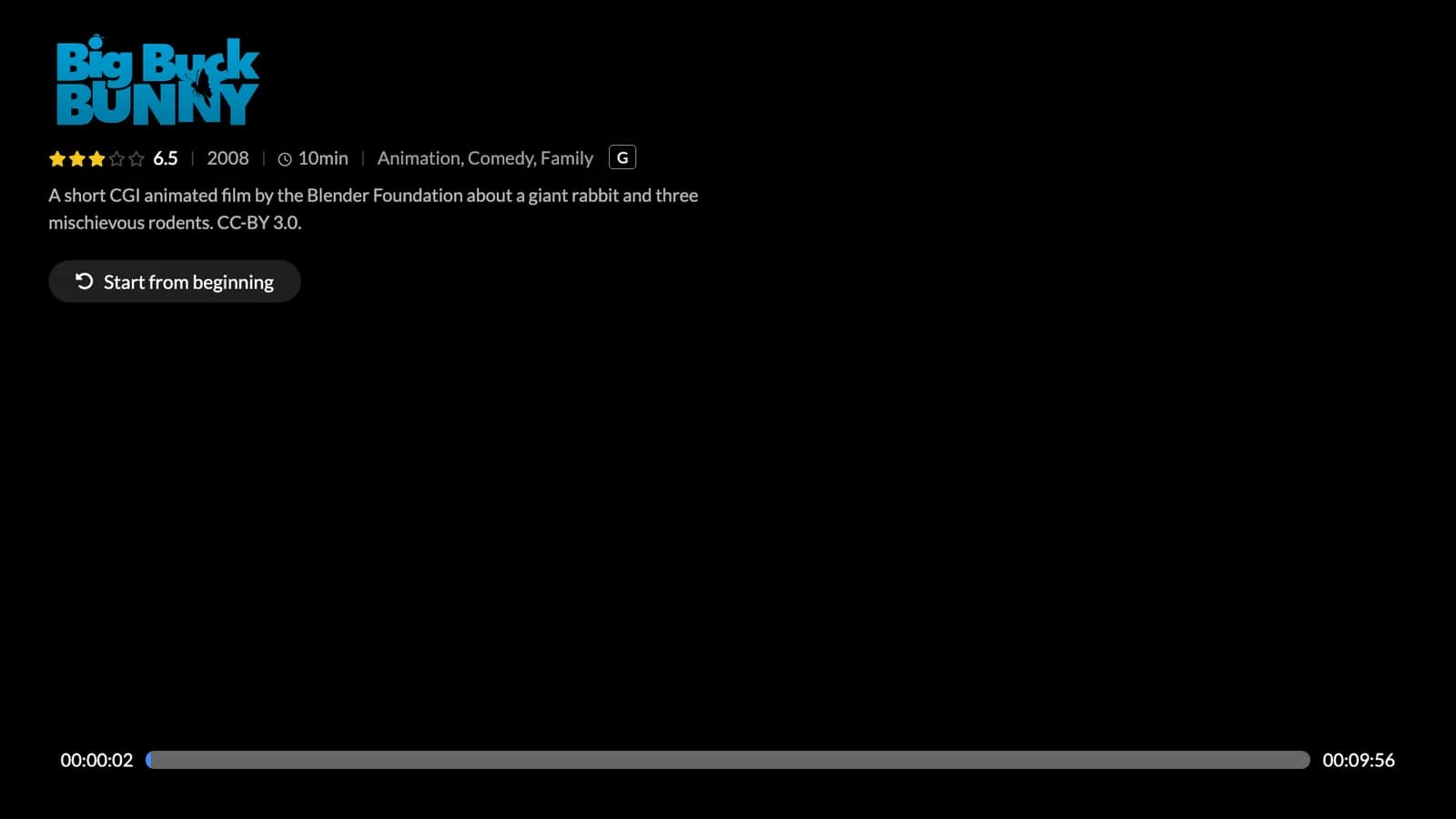
Movies and series in progress live on the home screen. Series remember the episode, movies remember the minute — and the right button shows up: Resume or Next episode.
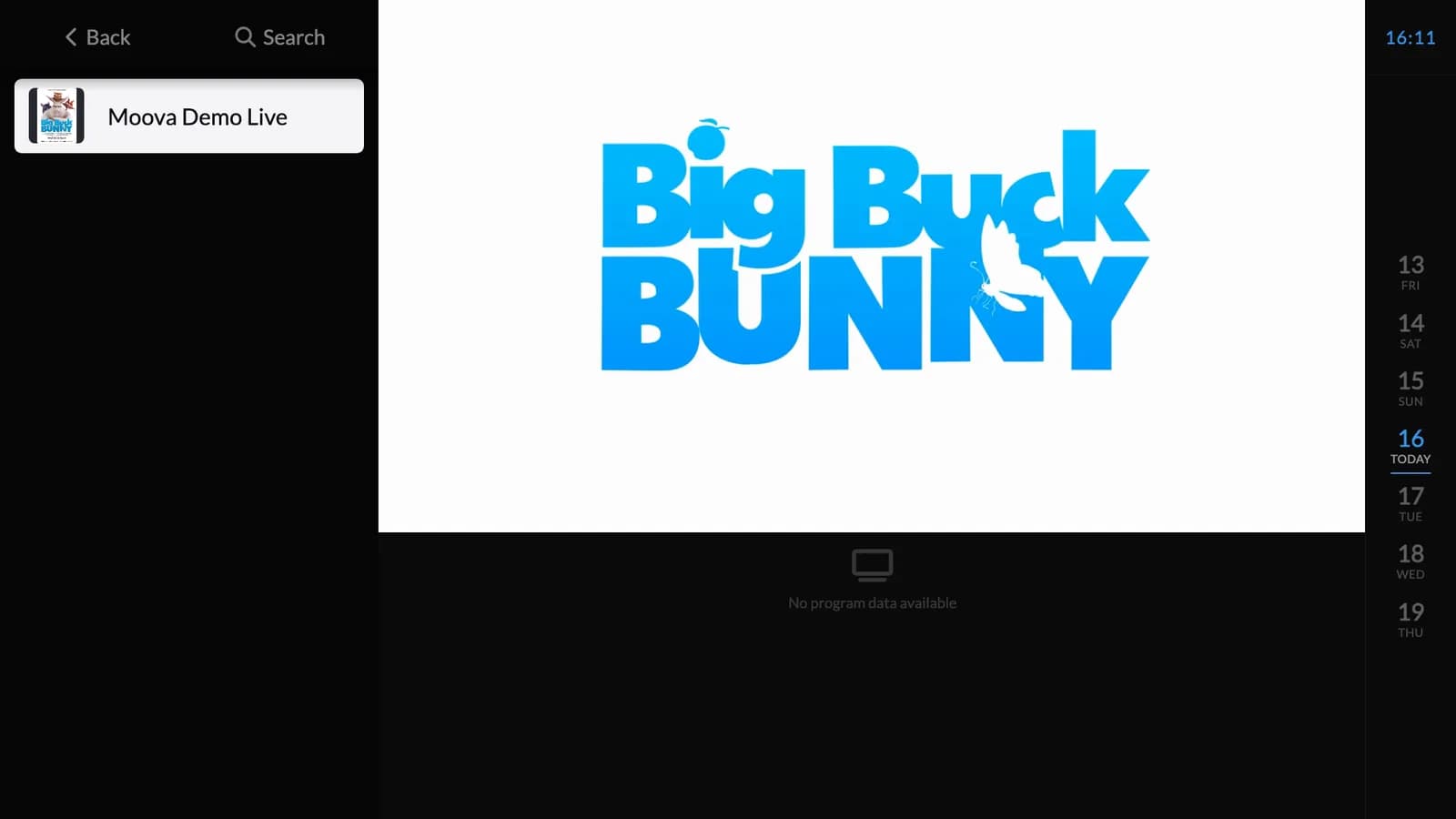
Today plus the next 7 days, built from the guide of the sources you add, with catch-up whenever your provider supports it.
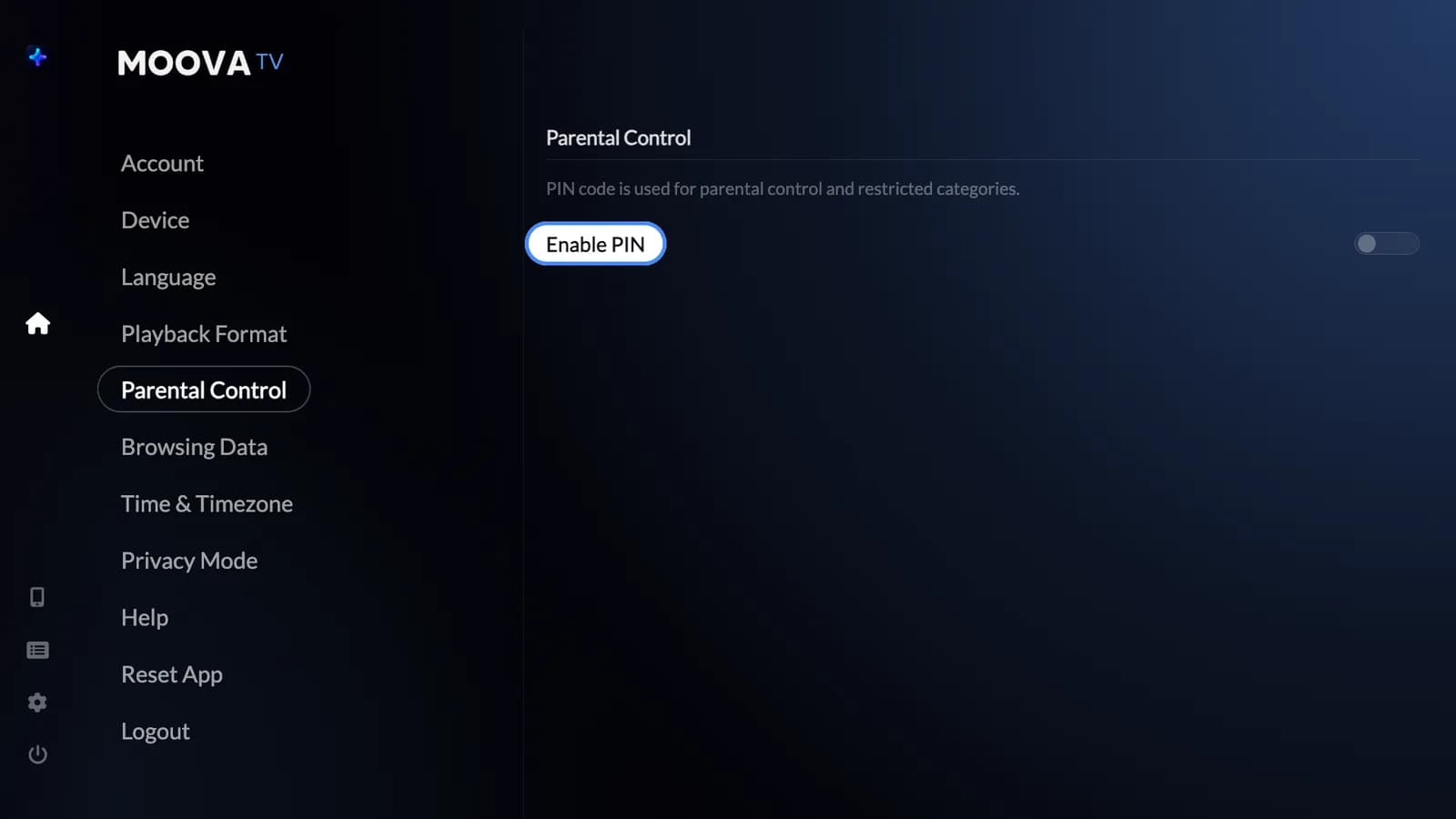
Lock categories with a PIN. They disappear from search and highlights. Privacy mode pauses your history whenever you want.
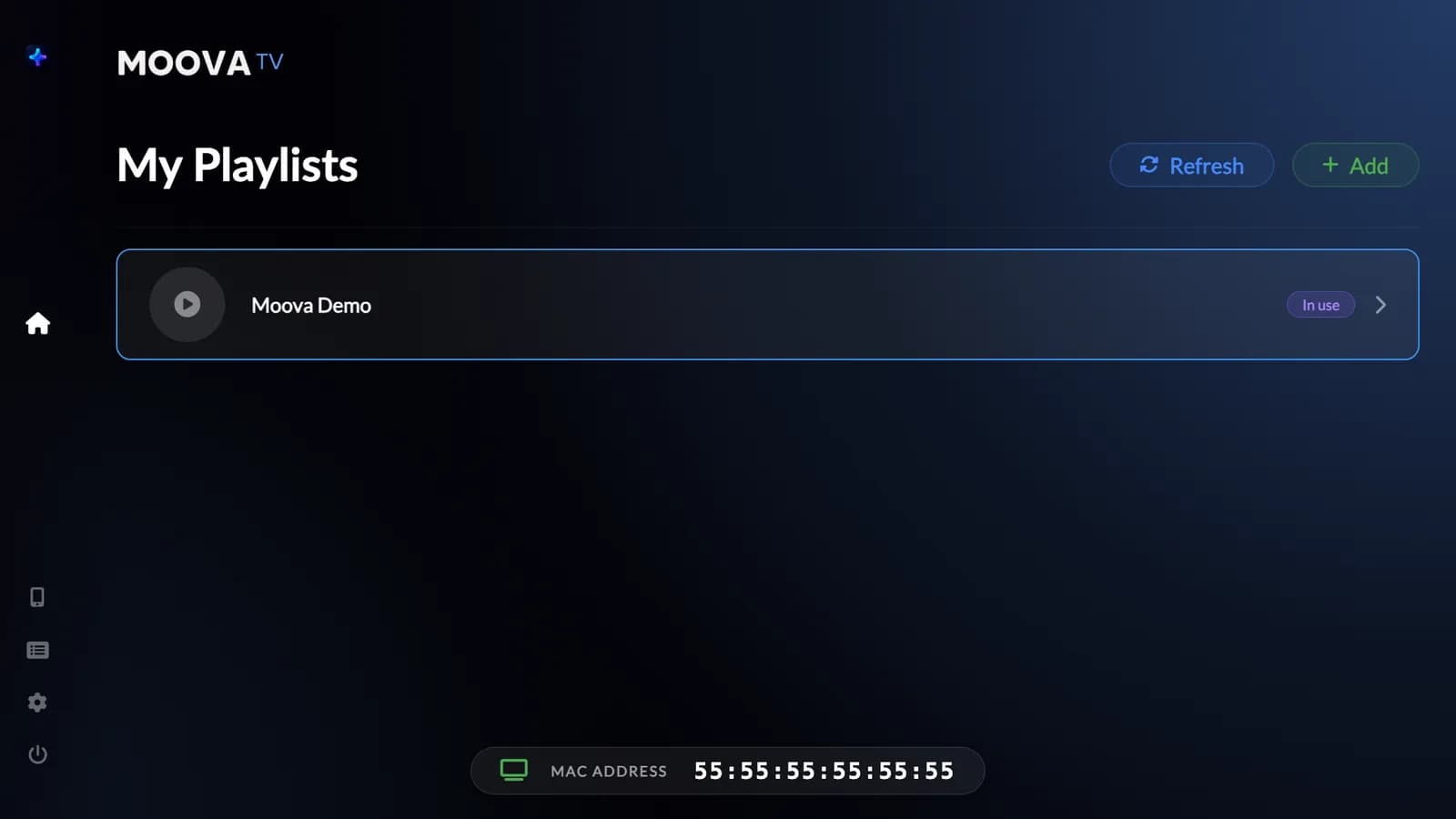
Add, rename, switch and PIN-protect each playlist — from the TV or from your phone.
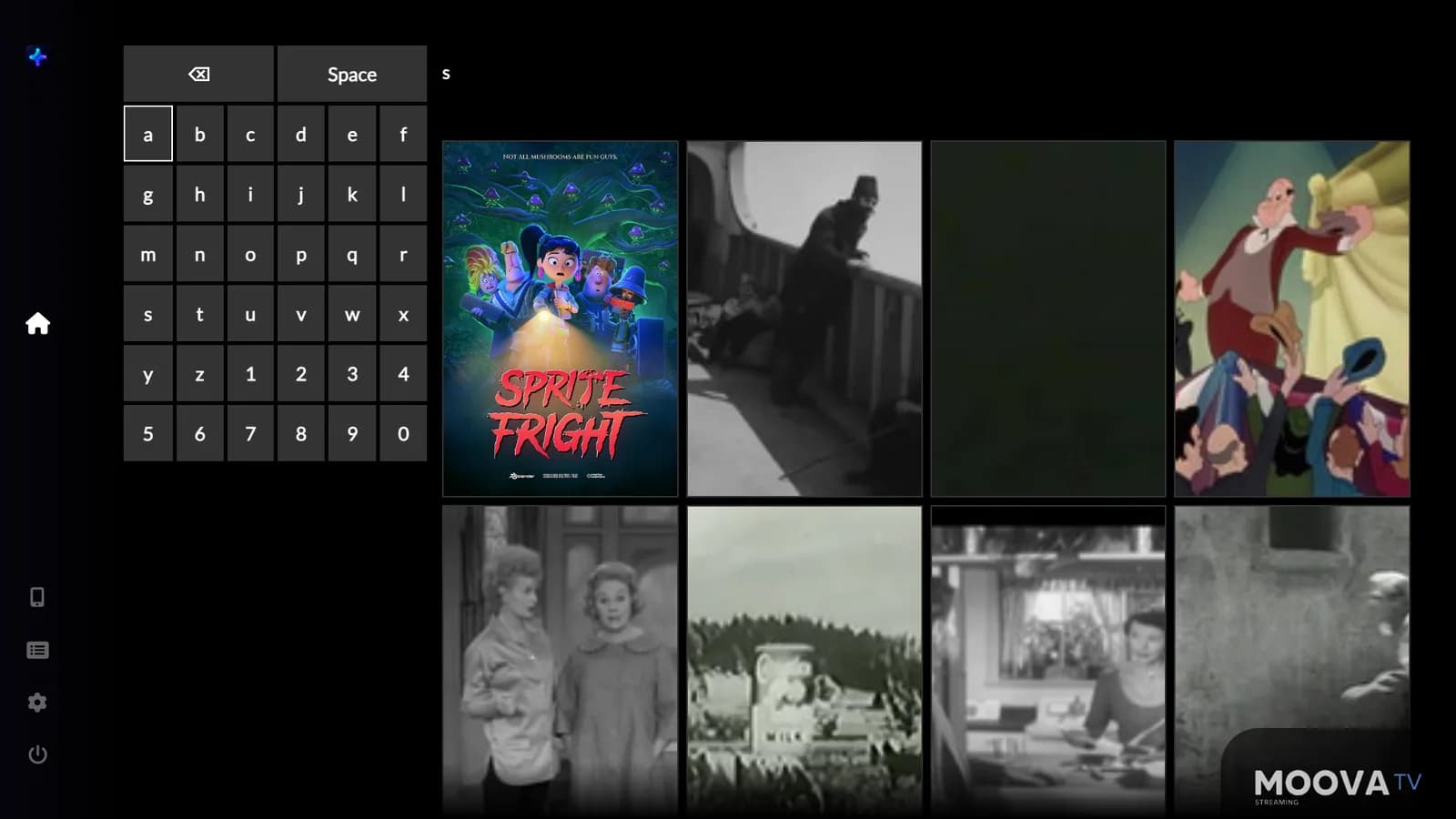
Type on the TV keyboard or from your phone, with results filtered by the parental PIN.
The catalog is cached on the device. Moova opens straight to the home screen and only re-downloads everything when you ask.
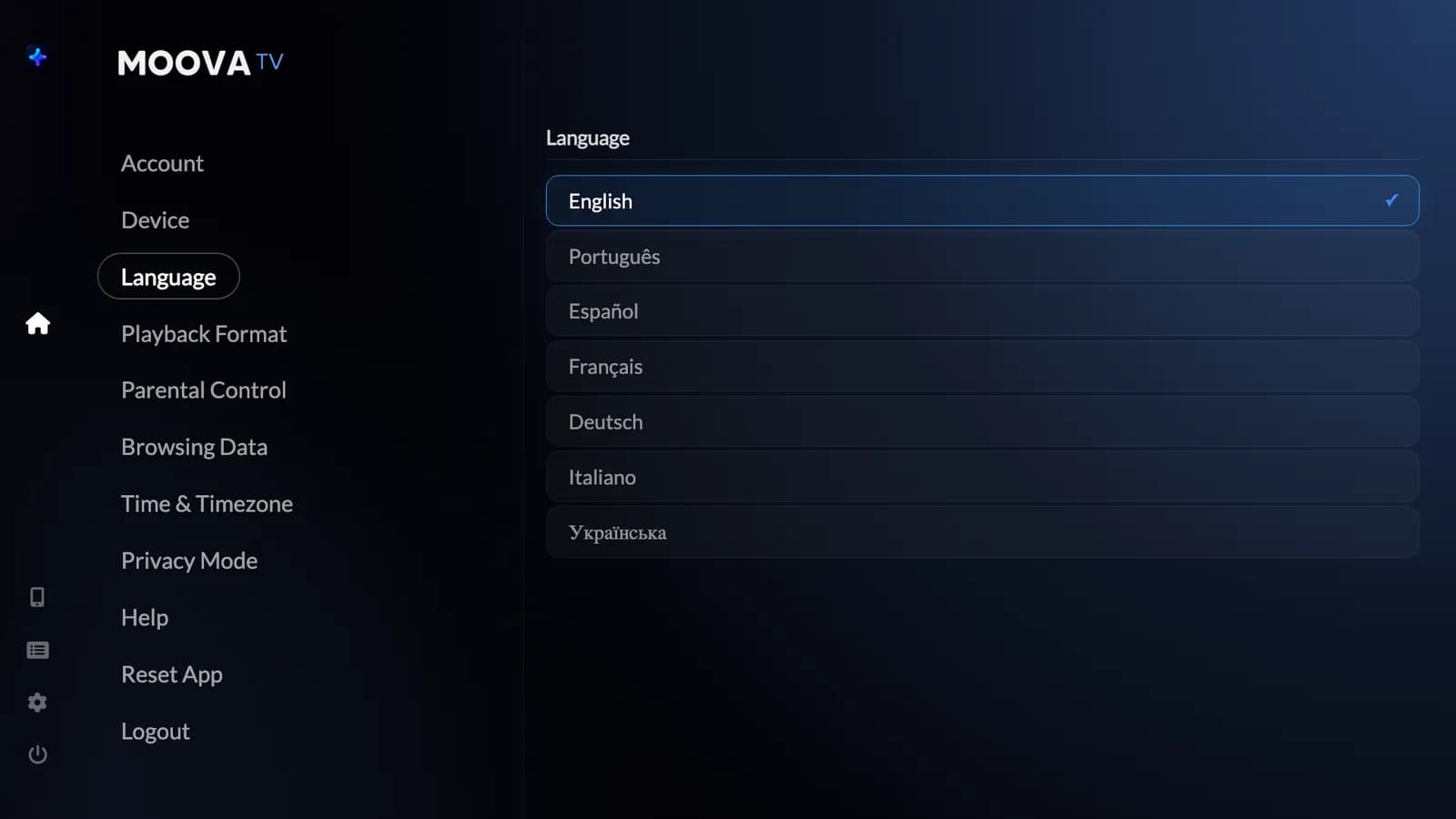
Portuguese, English, Spanish, French, German, Italian and Ukrainian, with adjustable time format and timezone.
Your TS or HLS streams with automatic fallback and quick switching without stopping the player.
Inside the player
Illustrative interface with open-license demo media. Content not included.
Small screen. Big possibilities.
Find your next favorite on your phone, send it to the big screen and get comfortable.
Browse your library on the phone without interrupting what's playing.
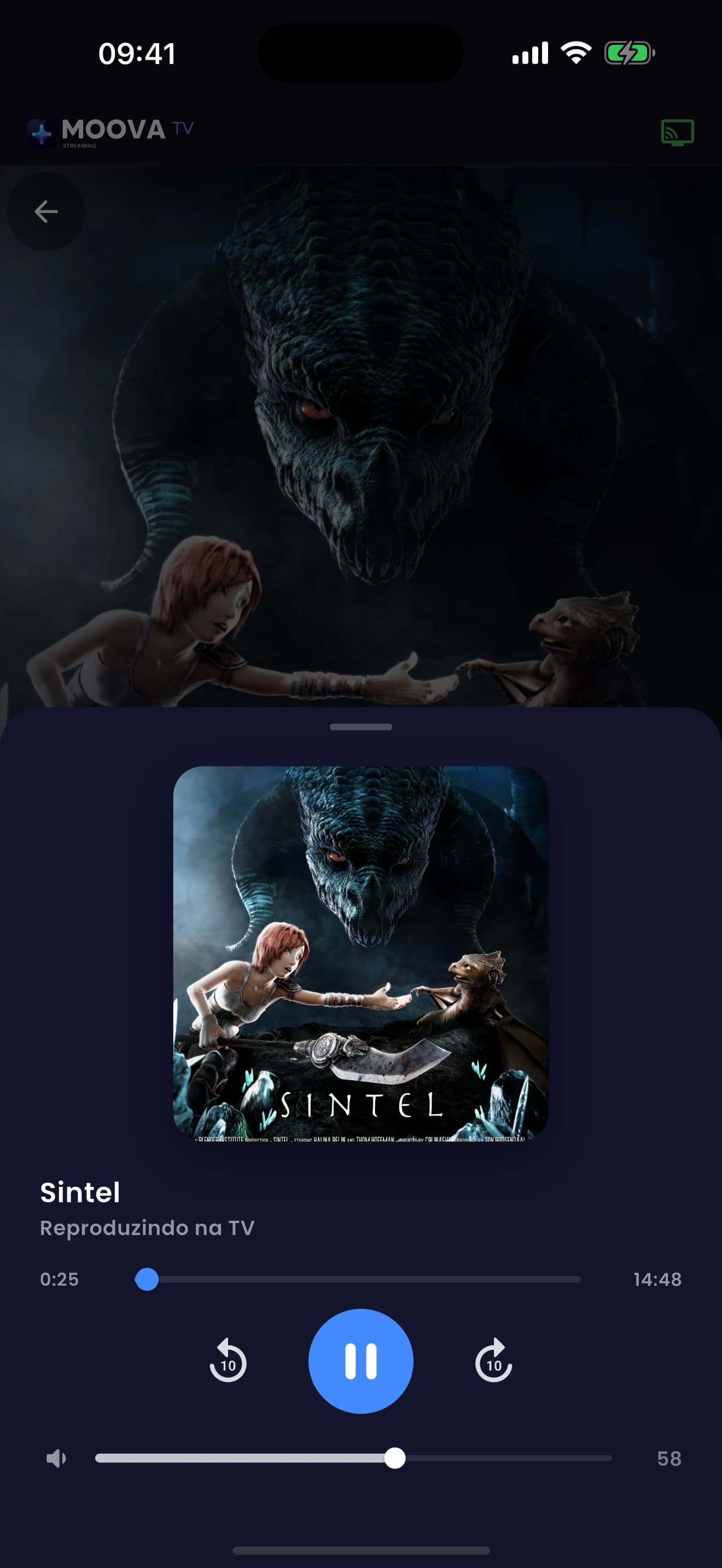
Play, pause, seek and adjust volume — your phone is the remote.
Type on your phone keyboard and see results instantly. No more letter-by-letter on the remote.
Devices
Each license activates one device. Pick yours to see how to install it.
 RokuApp store
 Amazon Fire TVApp store
 Apple TVApp store
 Android TV · Google TVDirect download
 SamsungVia Media Station X
 LGVia Media Station X
iPhone / iPad: coming soon.
Install guideHow it works
Install the Moova TV app on your TV (our install guide covers every device), then note the MAC address and Device Key in Settings › Device.
Enter your MAC address and Device Key, choose monthly or yearly, and pay securely with Stripe.
We activate the player on your device, usually within 24 hours, and email you as soon as it's done.
Add your own legally obtained playlists from the TV or your phone. We never provide content.
Pricing
Pick monthly or yearly. Cancel anytime.
Flexible, cancel anytime
$10/month
Best value
$100/year
≈ $8.33/month, billed yearly
Plans unlock the Moova TV player on one device. No plan includes channels, playlists, IPTV lists or any content.
Secure checkout by Stripe · Cancel anytime
By subscribing you agree to our Terms and confirm you understand we only sell the player.
Good to know
GetMoovaTV is an independent, authorized reseller of Moova TV licenses. We are not the developer of the Moova TV app.
We do not sell, provide, share or recommend IPTV lists, channels, playlists or content subscriptions of any kind.
Moova TV is a media player. You load your own sources and are solely responsible for having the rights to what you play.
Using the player with unlicensed content may break the law where you live. We will not help with content-related issues.
FAQ
No. Moova TV does not come with channels, playlists or content subscriptions. You bring your own sources; the player makes them look premium on your TV.
No, never. We only sell the Moova TV player license. We do not sell, provide or recommend IPTV lists, channels or content, and we are not responsible for what you play.
We are an independent, authorized reseller of Moova TV licenses. The app is developed by Moova TV; we handle your subscription, activation and support.
When you subscribe, we ask for your TV's MAC address and Device Key. Both are in Moova TV under Settings › Device. We activate your device, usually within 24 hours, and email you when it's ready.
Each license activates one device. Need more TVs? Just purchase one subscription per device.
Yes. Open “Connect to TV” in Moova, scan the QR code with the companion app or type the code shown on the TV. The TV confirms and you're done.
Yes. Cancel from the subscription management link in your email or on this site. You keep access until the end of the period you already paid for.